

Market Watch
Market Watch answers two questions for a market: what shipped recently, and which releases actually moved revenue.
Segments
Section titled “Segments”Market Watch covers four segments: Casual, Casino, Core, and Slots. Casual opens by default. You see the segments your company subscribes to, and for segment data Casino includes slots.
A fifth tab, My Market, shows the same sections narrowed to your own apps. It follows the apps and genres you picked under Settings → Personalization.
Choosing a Time Range
Section titled “Choosing a Time Range”One dropdown controls the page. It holds rolling windows of 7, 30, or 90 days, and it holds specific months. The default is the last 30 days.
A rolling window drives the recent releases list and leaves the monthly sections on the latest month. Picking a month drives the whole page.
Just Shipped
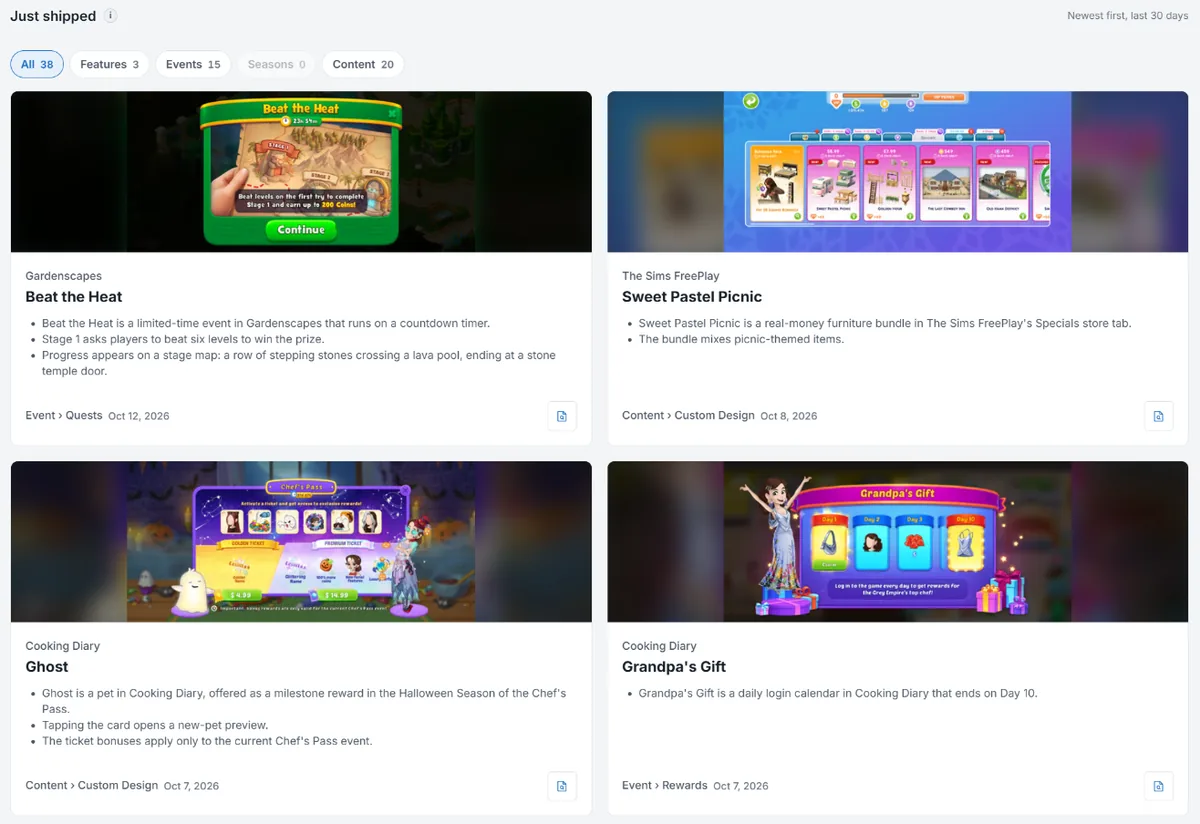
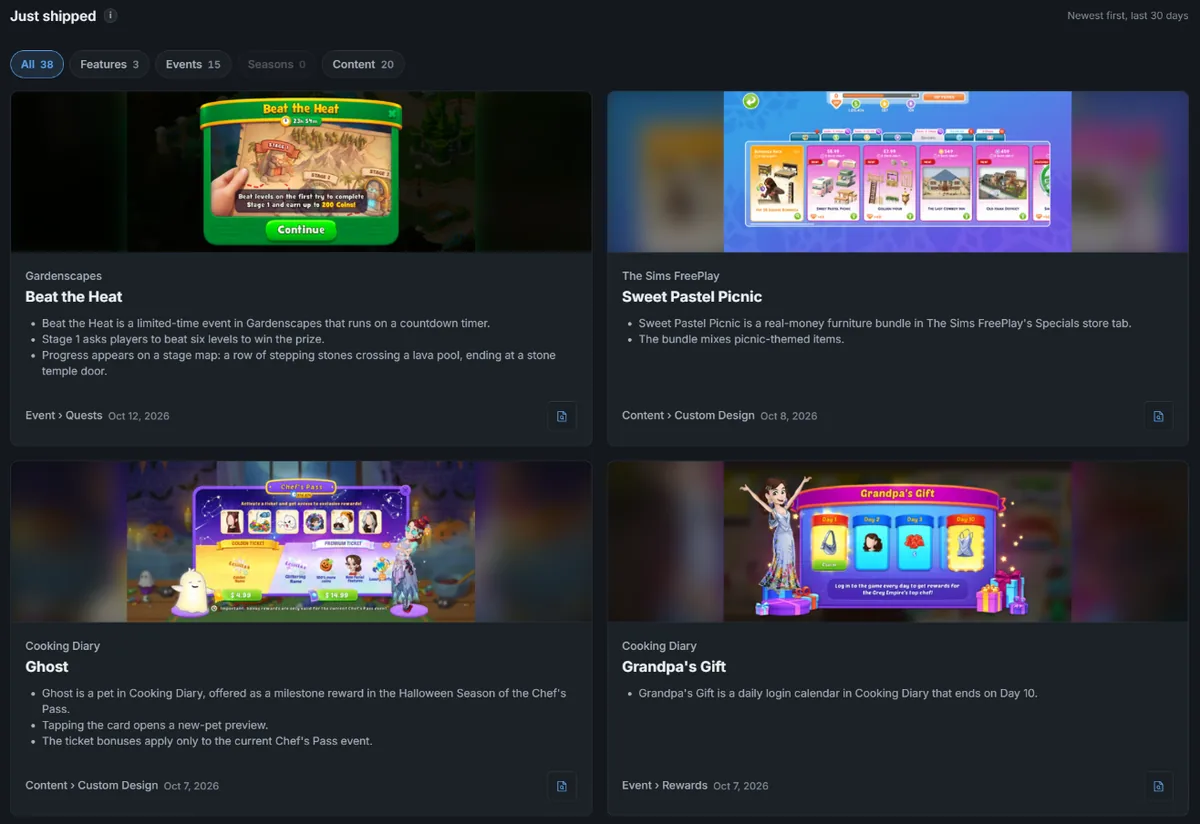
Section titled “Just Shipped”Every release from the segment’s tracked apps in your chosen window, whether or not its revenue effect has been measured yet. Cards carry the teardown bullets describing the feature.
A release with no measurement yet reads “Impact still being measured” rather than showing a blank or a zero.
Pills above the cards filter by release type, each with its own count, so you can look at features, events, seasons, or content on their own.
Biggest Measured Impact
Section titled “Biggest Measured Impact”Releases ranked by their measured revenue effect over the past 60 days.
This is a separate list from Just Shipped on purpose. A release’s revenue effect is measured a median of 45 days after it ships, so a list of this week’s releases ranked by impact would be empty almost every week. Measured live on October 2, 2026, none of the 67 releases from the previous 7 days had a measured lift, and 11 of the 315 from the previous 30 days did.
Rows are dated by when the event ran, not when the release was first published. A run whose release shipped more than 14 days earlier is marked “Rerun of” that date.
Monthly PDF
Section titled “Monthly PDF”A calendar month of Market Watch can be exported as a PDF.
Mechanic Insights
Section titled “Mechanic Insights”Monthly Mechanic Insights are listed on their own tab in Deep Dives.