

Live Ops Calendar
The Live Ops Calendar shows what an app ran and when, on a calendar, with revenue, DAU, and modelled lift underneath.
Date Range
Section titled “Date Range”The default range is the last 30 days through today.
Picking Apps
Section titled “Picking Apps”The app picker takes one app or several, up to 10. Each pick adds a chip you can remove. Picking a market, genre, or subgenre narrows the list, and when the remaining apps all fit, an “Add all” option appears. Two or more apps stack one calendar each under its name.
The page opens on Candy Crush Saga when no app is chosen.
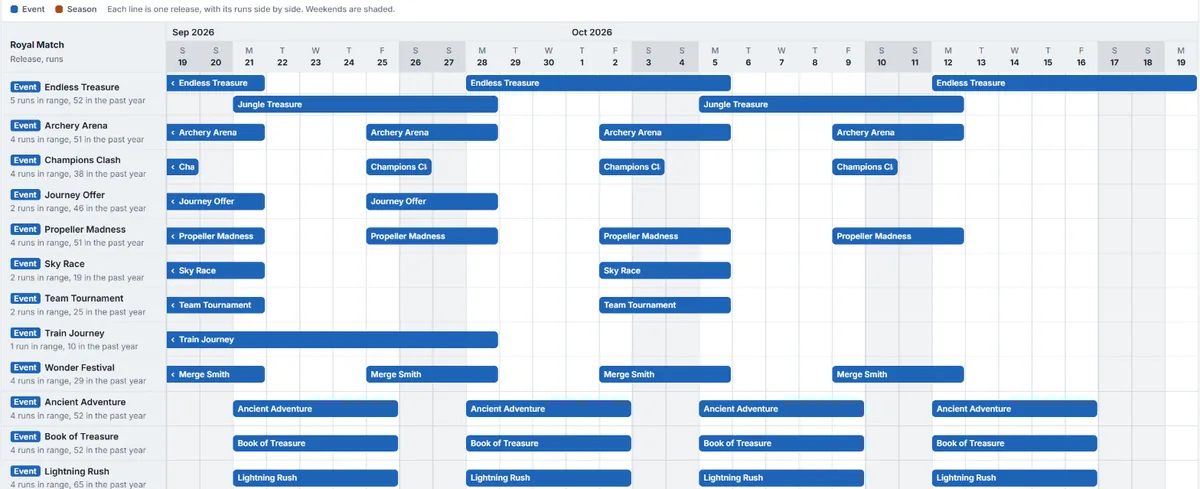
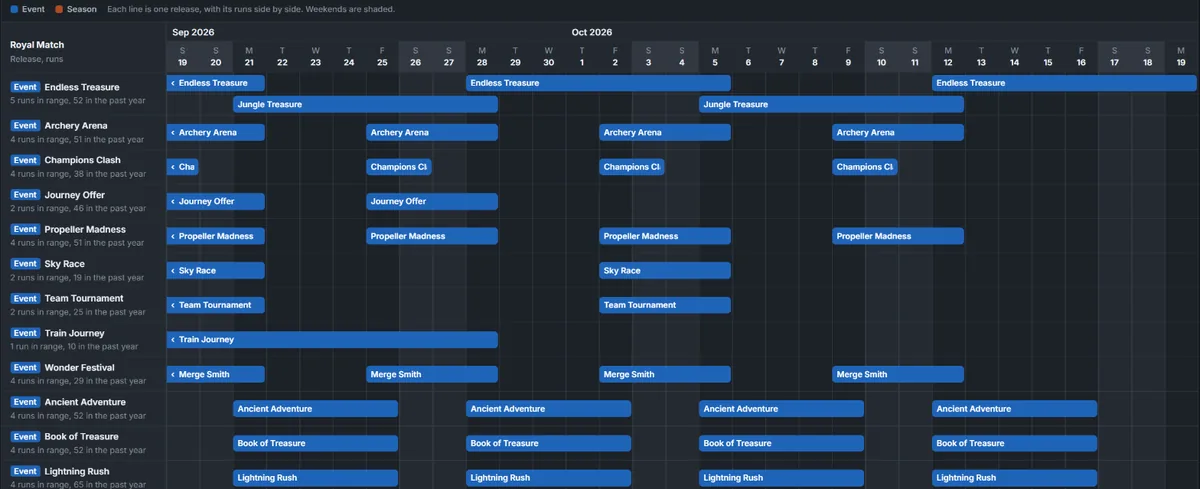
Calendar is the default. Each release gets a line holding all of its runs, with overlapping runs packed into extra lanes. Lines are grouped and coloured by release type, with a legend above. A run that began before your date range has a flat left edge. Each bar opens that run’s details, which name its category, such as “Events › Mini-Games.”
By Activity lists the runs instead, split into runs that started in your range and runs already running.
Filters
Section titled “Filters”Dates, app, and release type. Release type defaults to Events and Seasons.
Metrics
Section titled “Metrics”Below the calendar are revenue and downloads, DAU, and modelled STL lift, with one hover tooltip across them. Where downloads are missing the line shows a gap rather than a zero.
Limits
Section titled “Limits”The calendar draws up to 500 activities per app, and says so when it reaches that. Runs belonging to an unpublished release are hidden.
Exporting
Section titled “Exporting”Runs export to CSV or Markdown, with Type and Mechanic columns and each run’s alternative title. The file name names up to three apps.