

Deep Dives
Deep Dives holds our written research: market reports, discipline research, player persona work, economy analysis, and more.
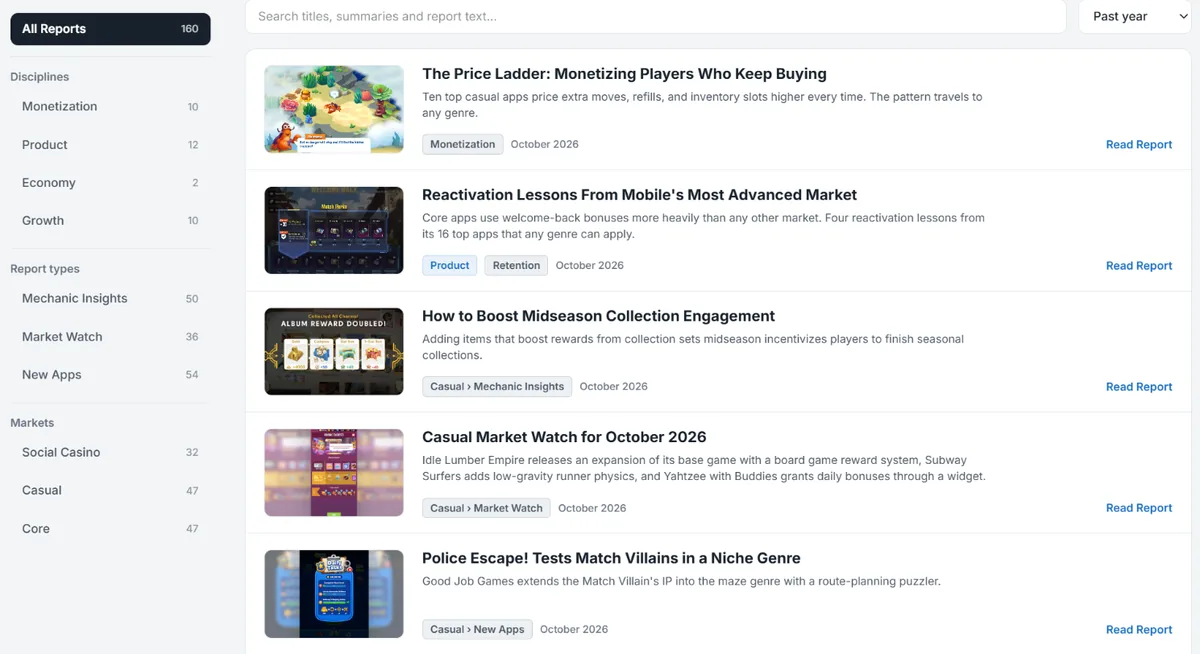
Finding a Report
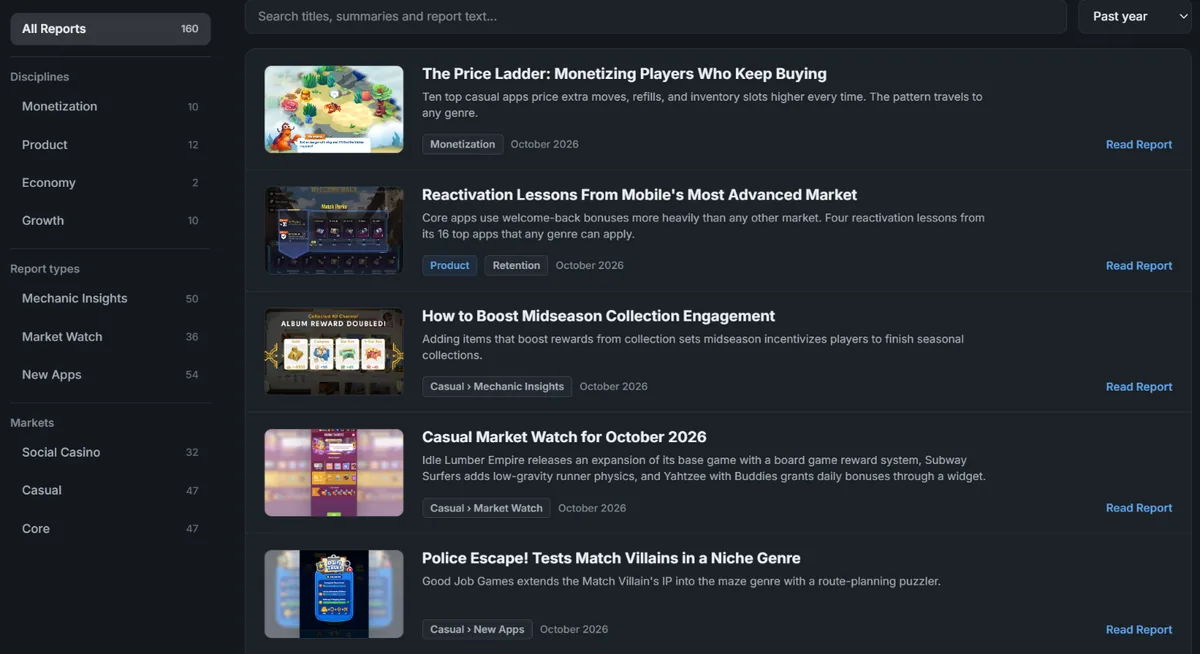
Section titled “Finding a Report”The side card groups reports into buckets. Markets sit in one group, and the disciplines (Economy, Monetization, Growth, and Product) in another. All Reports sits above both.
Your markets is the one bucket built around you. It uses the markets you picked in your personalization, plus every discipline. Disciplines are always included because a discipline report carries no market tag at all, so a market-only filter would hide all of them. Set your markets under Settings → Personalization.
Date Range
Section titled “Date Range”The hub lists the past year by default. The select in the search row offers Past 2 Years, Past 5 Years, and All Time.
Only this list filters by date. Search, the API, and your AI assistant reach every report regardless of age. When a search matches older reports outside your chosen range, the page says how many and offers to search all time.
Search
Section titled “Search”Search runs across the whole bucket, over the full text of each report.
Mechanic Insights
Section titled “Mechanic Insights”Mechanic Insights have their own tab. It lists both the monthly generated insights and the written ones, newest first, with its own search box.
Locked Disciplines
Section titled “Locked Disciplines”A discipline your company does not subscribe to shows as a locked button with a count of the reports it holds. Titles and summaries stay hidden. See What Is in Your Plan.