

Email Preferences
Your email settings are in Market Pulse under Settings, in the notifications section. They apply to you, not to your whole company.
What You Can Change
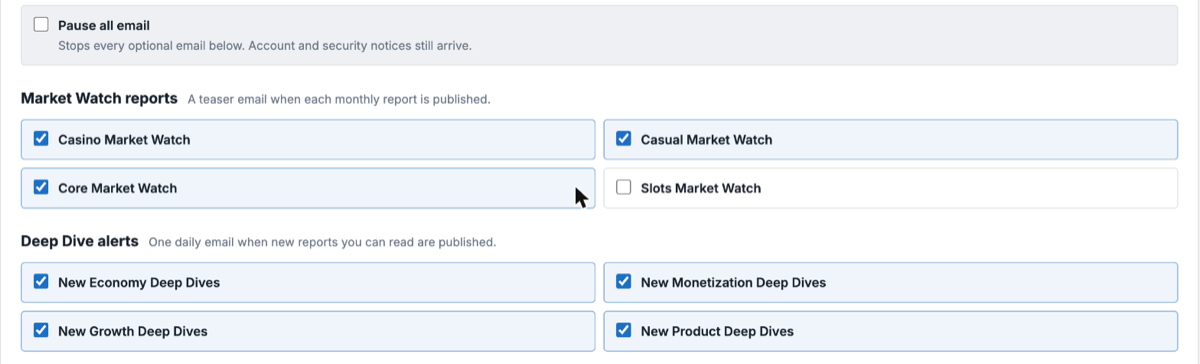
Section titled “What You Can Change”- Pause all stops every optional email at once.
- A toggle for each Market Watch segment your company subscribes to.
- A toggle for each Deep Dive discipline you can read.
Security notices are always on and cannot be turned off.
Your team’s scheduled deliveries are listed too, as read-only. To change those, talk to your team admin.
What You See
Section titled “What You See”You can only set preferences for reports your subscription covers. For access to more, talk to your admin or email support@liquidandgrit.com.
Unsubscribing From an Email
Section titled “Unsubscribing From an Email”Every email has an unsubscribe link, which turns off that kind of email without you signing in.